

Custom form
Our form endpoint lets you add new contacts to your audience from an HTML form or using JavaScript. Find the form endpoint To submit data to Cocoonmail you will need to retreive the form endpoint URL that’s linked to your Cocoonmail account.- Go to the Forms page in your Cocoonmail account.
- Find Settings and Copy the URL shown in the Form Endpoint field.
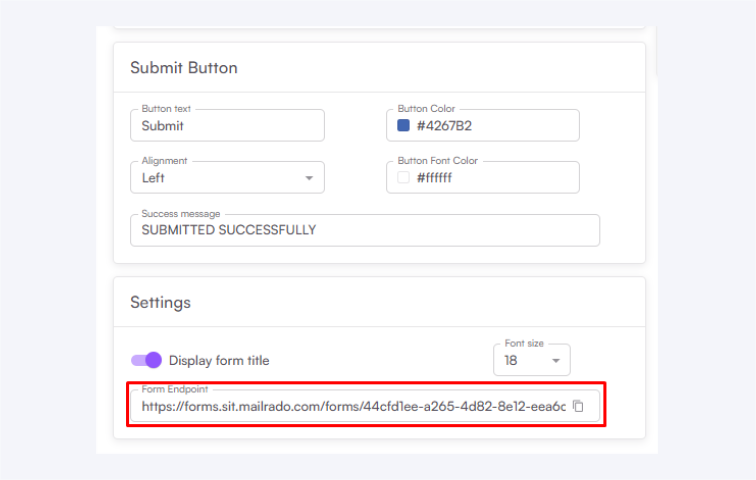
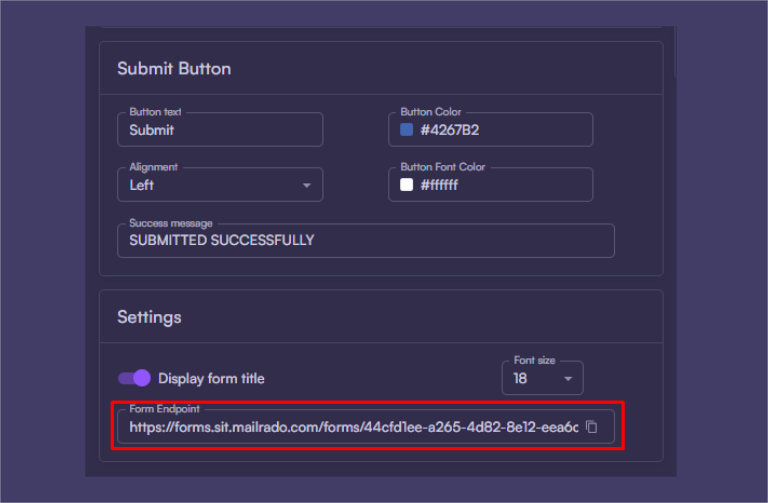
Create a form
In a form, addinput elements for each of the contact properties you want to collect.
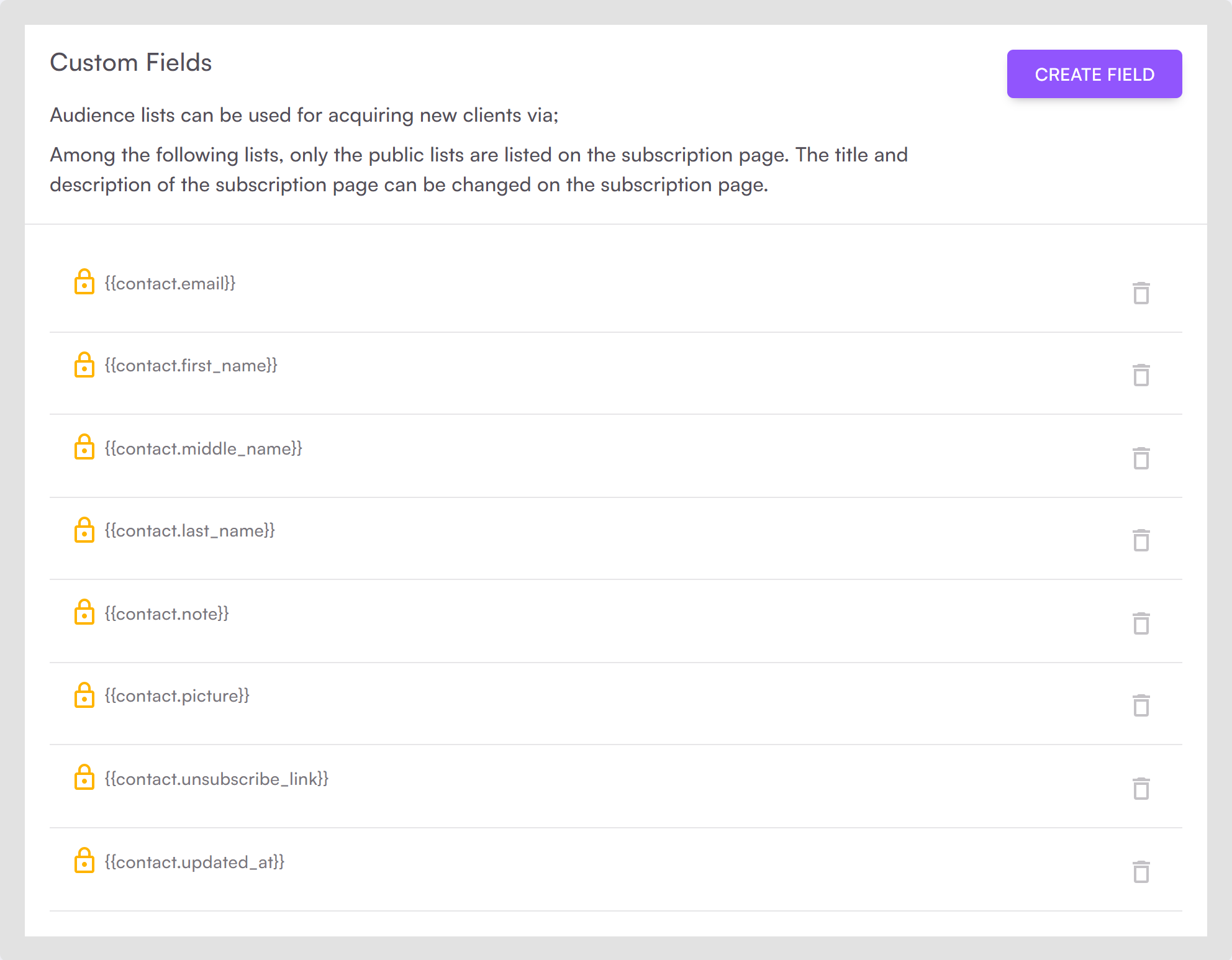
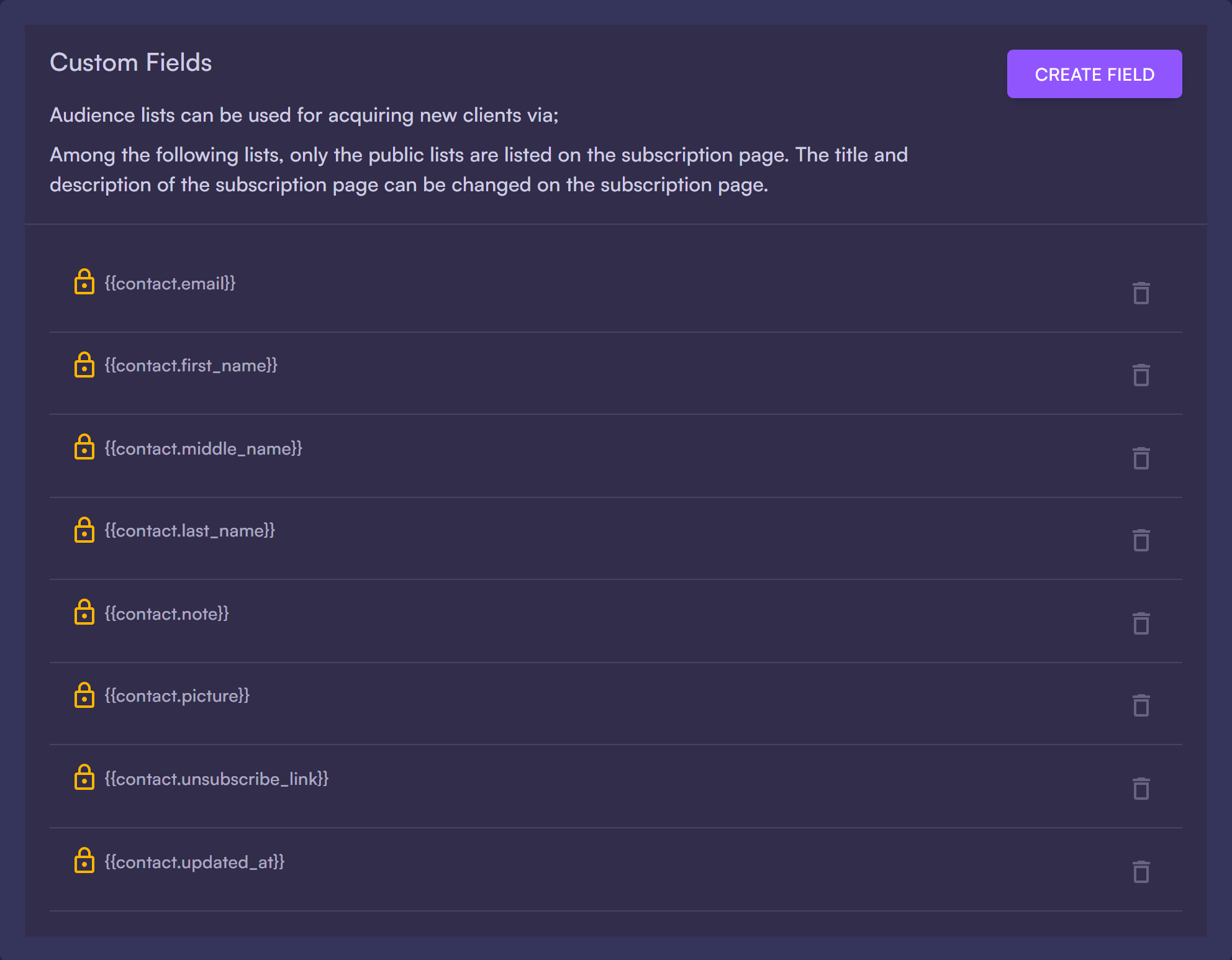
You can add fields for any of the default contact properties plus any of your custom properties.
When adding new fields, click on Create field to create attribute for each field.
 Here’s a simple example form that collects name, email address and assigns a custom user group:
Submit with JavaScript
If you would rather submit a form using JavaScript, you can make aPOST request to your form endpoint.
Make sure to set the Content-Type header to application/x-www-form-urlencoded.
HTTP 429 error just like with the API. Read more about how to handle 429 responses
FAQ
I'm receiving an error from the form endpoint.
I'm receiving an error from the form endpoint.
We rate limit requests from the same IP to once per minute and also do not allow duplicates of the same email address. It’s likely the error is related to one of these cases.